Manage User Data Filters in the UI
Experimental Feature
This is an experimental feature. It is in active development and may be significantly changed or removed.
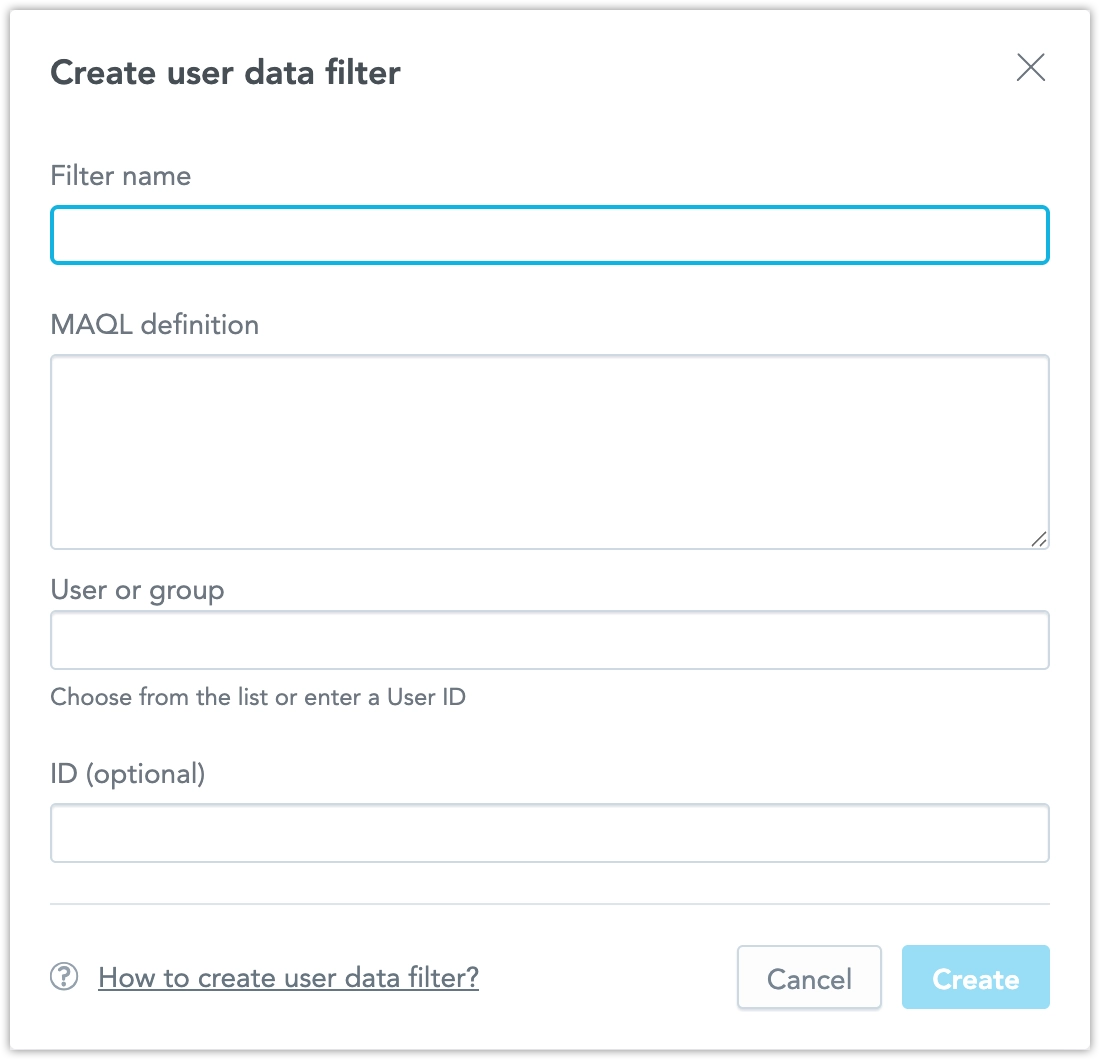
User Data Filters help you control which data each user can access in a workspace. You can now manage User Data Filters in the GoodData UI. This makes it easier to set them up, review them, and troubleshoot them without relying only on API calls.
Why Use the UI
Managing User Data Filters only through the API can be difficult, especially when you need to:
- Review existing filter assignments
- Verify that the correct users and values are assigned
- Update filters during testing or rollout
- Troubleshoot unexpected filtering behavior
The UI helps simplify these tasks by making User Data Filter configuration easier to inspect and manage.
Manage User Data Filters
Use the UI to work with User Data Filters directly in GoodData. Go to Workspaces > Workspace Settings > User Data Filters.
With this feature, you can:
- View existing User Data Filter assignments
- Update User Data Filter assignments
- Review filter values more easily during setup and troubleshooting
This can reduce the amount of API-only work required when configuring or debugging User Data Filters.
Current Limitations
This feature is experimental.
At this time:
- Behavior may change in future releases
- Some User Data Filter workflows may still require API usage
- The UI may not yet cover every configuration and troubleshooting scenario