Create a StarRocks Data Source
Follow these steps to connect to StarRocks and create a StarRocks data source:
Refer to Additional Information for additional performance tips and information about StarRocks feature support.
Configure User Access Rights
To ensure GoodData can successfully connect, discover metadata, and execute queries, you must grant permissions to the Catalog (data scope), Warehouse (compute scope), and Information Schema (metadata scope).
Run the following SQL commands as an ADMIN or ROOT user in your StarRocks cluster.
Set Context (Optional)
If you are provisioning access to an external catalog (e.g., Iceberg, Hudi) or a specific project catalog, switch to it first.
-- Switch to the target catalog (default is 'default_catalog')
SET CATALOG {catalog_name};
Create a Role
It is a best practice to manage permissions via roles rather than direct user grants.
CREATE ROLE {role_name};Grant Compute & Catalog Access
GoodData requires “Usage” privileges to enter the catalog and utilize compute resources.
-- Allow the role to access the catalog (Data Container)
GRANT USAGE ON CATALOG {catalog_name} TO ROLE {role_name};

-- Allow the role to use a compute warehouse (Compute Resources)
-- Note: 'default_warehouse' is standard, but change if using dedicated warehouses
GRANT USAGE ON WAREHOUSE {warehouse_name} TO ROLE {role_name};
Grant Metadata Discovery Permissions
GoodData needs to read the
information_schemato generate Logical Data Models (LDM). Without this, schema introspection will fail.-- Grant access to system views for metadata discovery GRANT SELECT ON ALL TABLES IN DATABASE information_schema TO ROLE {role_name}; GRANT SELECT ON ALL VIEWS IN DATABASE information_schema TO ROLE {role_name};Grant Data Access
Grant read access to the specific business data.
-- Option A: Grant access to the entire database
GRANT SELECT ON ALL TABLES IN DATABASE {database_name} TO ROLE {role_name};
GRANT SELECT ON ALL VIEWS IN DATABASE {database_name} TO ROLE {role_name};

-- Option B: Grant access to specific tables only
-- GRANT SELECT ON TABLE {database_name}.{table_name} TO ROLE {role_name};
Create User
Create the specific user and assign the role. Setting
cataloganddatabaseproperties is highly recommended so the user session automatically lands in the correct context.CREATE USER {user_name} IDENTIFIED BY '{strong_password}' DEFAULT ROLE {role_name} PROPERTIES ( "catalog" = "{catalog_name}", "database" = "{database_name}" );
Create a StarRocks Data Source
Once you have configured your StarRocks user’s access rights, you can proceed to create a StarRocks data source that you can then connect to.
Steps:
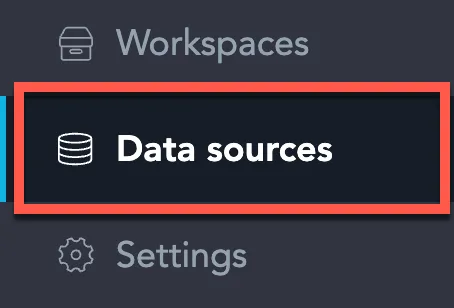
On the home page switch to Data sources.
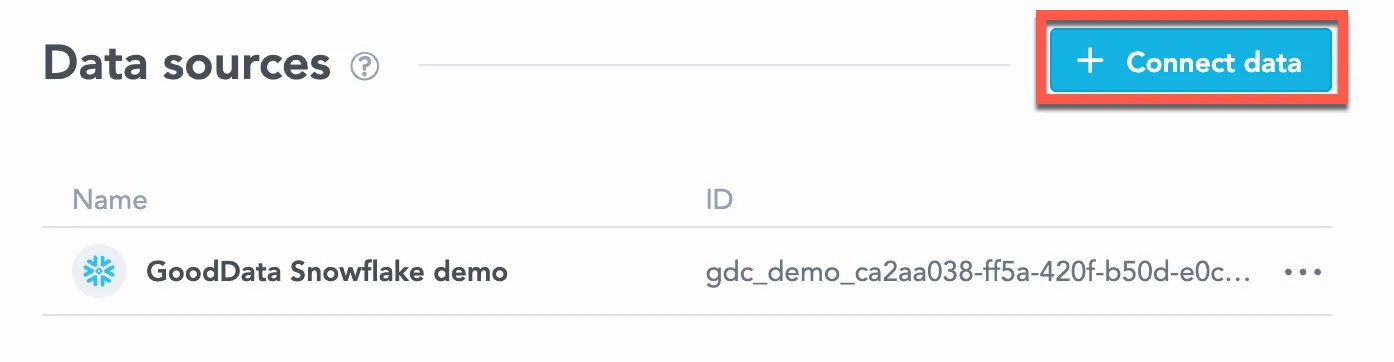
Click Connect data.
Select StarRocks.

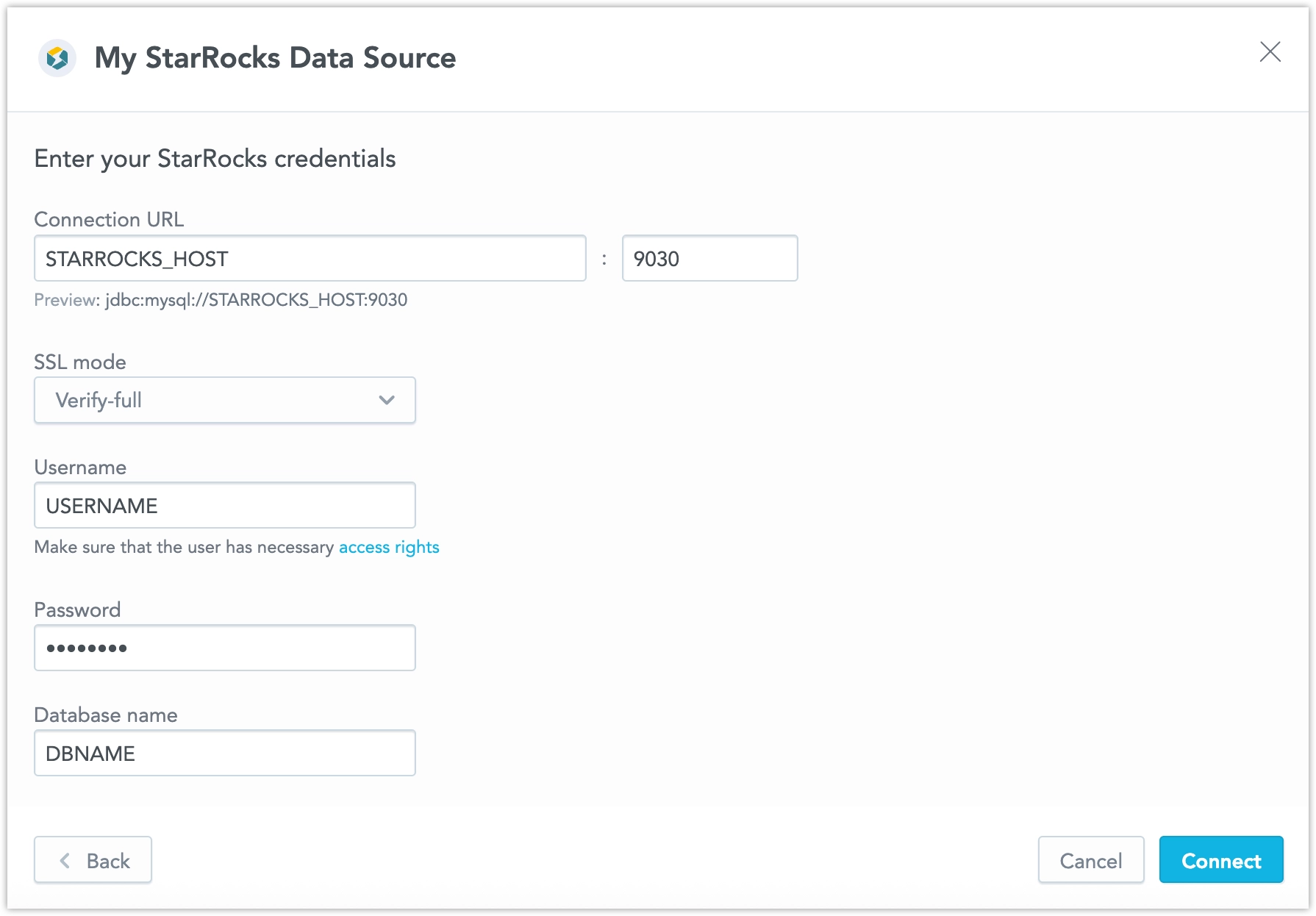
Name your data source and fill in your StarRocks credentials and click Connect:
Click Save.
Your data source is created!

Steps:
Create a StarRocks data source with the following API call:
curl $HOST_URL/api/v1/entities/dataSources \
-H "Content-Type: application/vnd.gooddata.api+json" \
-H "Accept: application/vnd.gooddata.api+json" \
-H "Authorization: Bearer $API_TOKEN" \
-X POST \
-d '{
    "data": {
    "type": "dataSource",
    "id": "<unique_id_for_the_data_source>",
    "attributes": {
    "name": "<data_source_display_name>",
    "url": "jdbc:mysql://<STARROCKS_HOST>:9030/<STARROCKS_DBNAME>?sslMode=<REQUIRED/VERIFY_IDENTITY>&permitMysqlScheme=true",
    "schema": "<STARROCKS_DBNAME>",
    "type": "STARROCKS",
    "username": "<STARROCKS_USER>",
    "password": "<STARROCKS_PASSWORD>"
}}}' | jq .
To confirm that the data source has been created, ensure the server returns the following response:
{
  "data": {
    "type": "dataSource",
    "id": "<unique_id_for_the_data_source>",
    "attributes": {
      "name": "<data_source_display_name>",
      "url": "jdbc:mysql://<STARROCKS_HOST>:9030/<STARROCKS_DBNAME>?sslMode=<REQUIRED/VERIFY_IDENTITY>&permitMysqlScheme=true",
      "schema": "<STARROCKS_DBNAME>",
      "type": "STARROCKS",
      "username": "<STARROCKS_USER>"
    }
  },
  "links": {
    "self": "$HOST_URL/api/v1/entities/dataSources/<unique_id_for_the_data_source>"
  }
}
Additional Information
Ensure you understand the following limitations and recommended practice.
Unsupported Features and Limitations
GoodData does not currently support the following features:
- The following functions are not supported:
- MEDIAN
- PERCENTILE
- CORREL
- COVAR
- RSQ
- SLOPE
- INTERCEPT
- Filtering by boolean columns is not supported
- There are known issues when using SQL datasets with a StarRocks database:
- Converting a regular dataset into a SQL dataset generates an invalid query. You have to manually rewrite it to make it work.
- SQL datasets are not supported if the query contains one of these data types: TINYINT, FLOAT, DECIMAL, DOUBLE UNSIGNED.
- When converting to SQL dataset, the StarRocks YEAR data type is converted to STRING.
- We do not currently support multiple hosts for StarRocks JDBC URLs.