Create a Databricks Data Source
Follow these steps to connect to Databricks and create a Databricks data source:
Refer to Additional Information for additional performance tips and information about Databricks feature support.
Configure User Access Rights
We recommend creating a dedicated user and user role specifically for integrating with GoodData. The user must:
be a member of the workspace, see Add Users to Your Databricks Account
have the
Can attach topermission, see Configure Cluster Level Permissionshave the
USE CATALOG,USE SCHEMAandSELECTpermissions, see GRANT
Create a Databricks Data Source
Once you have configured your Databricks user’s access rights, you can proceed to create a Databricks data source that you can then connect to.
Steps:
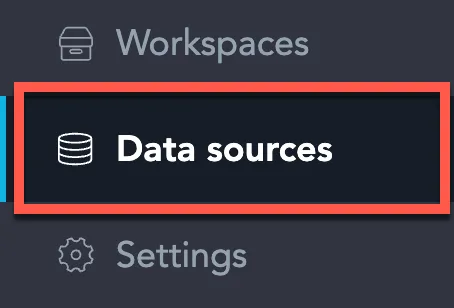
On the home page switch to Data sources.
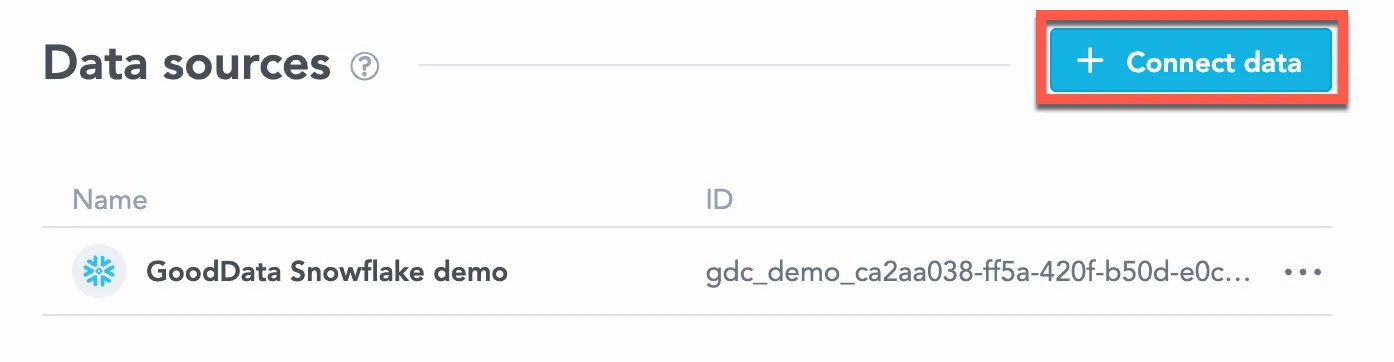
Click Connect data.
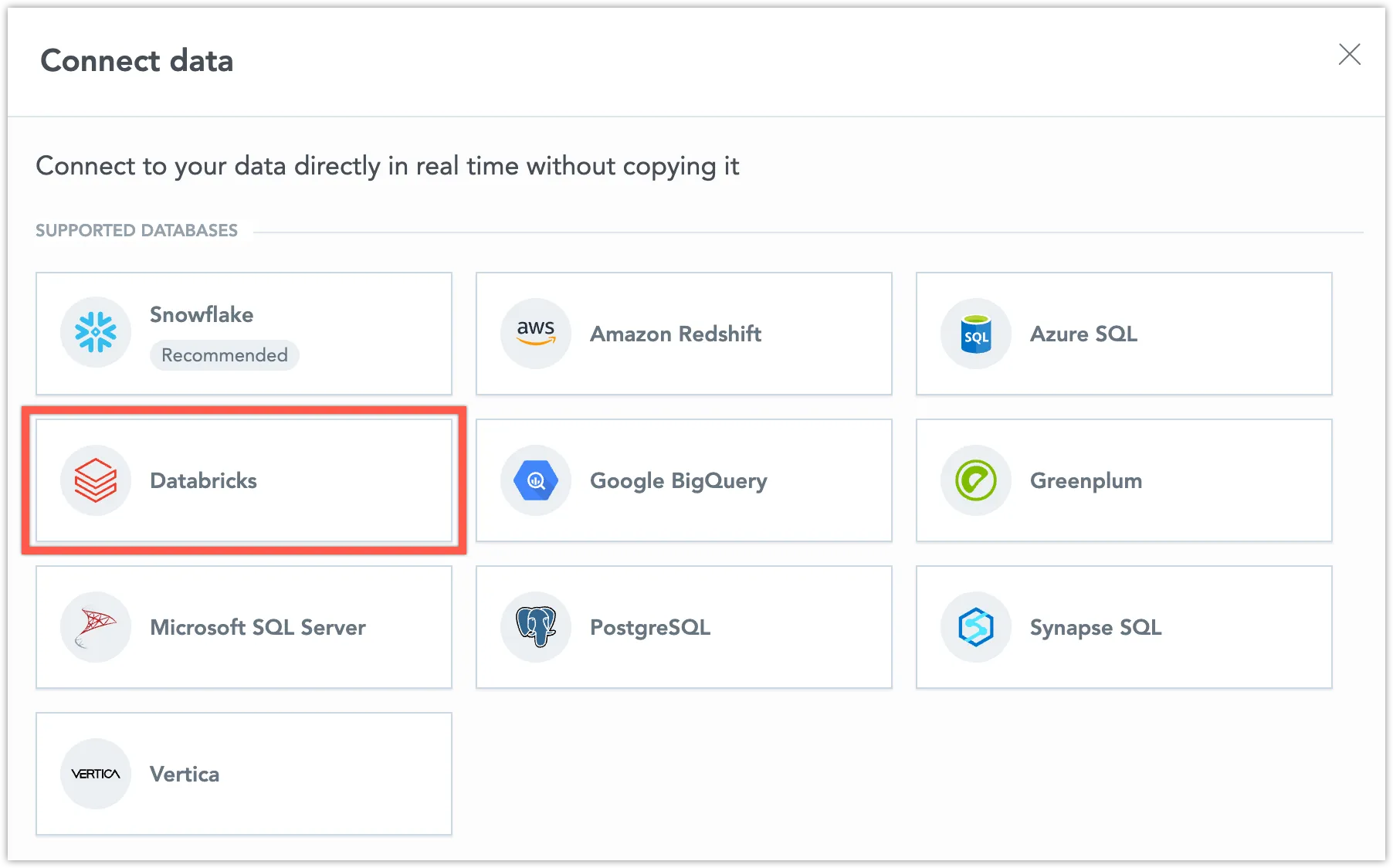
Select Databricks.
Name your data source and fill in your Databricks credentials and click Connect:
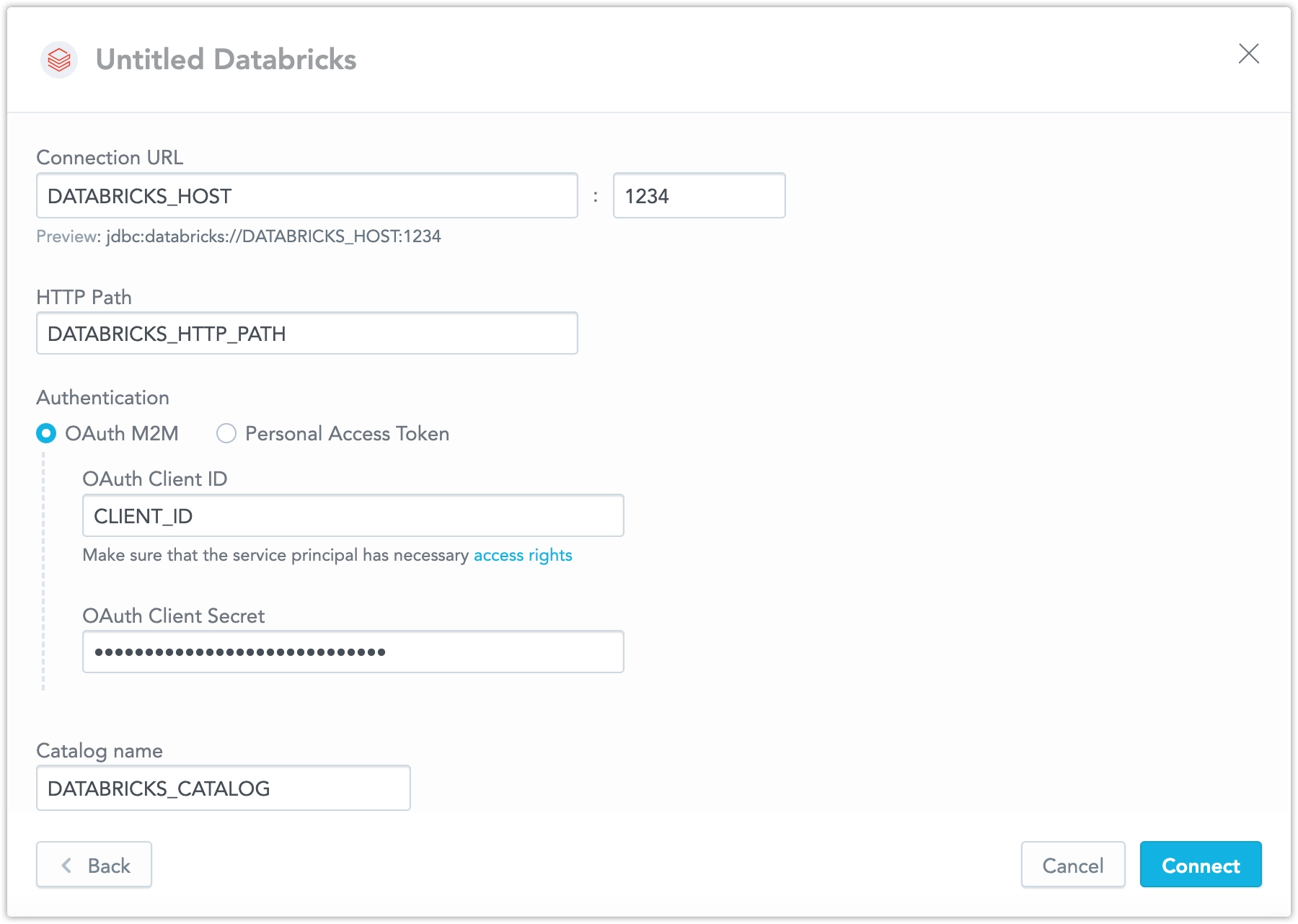
Ensure your Databricks catalog and schema names follow the rules described in Catalog and Schema Names.
Input your schema name and click Save:
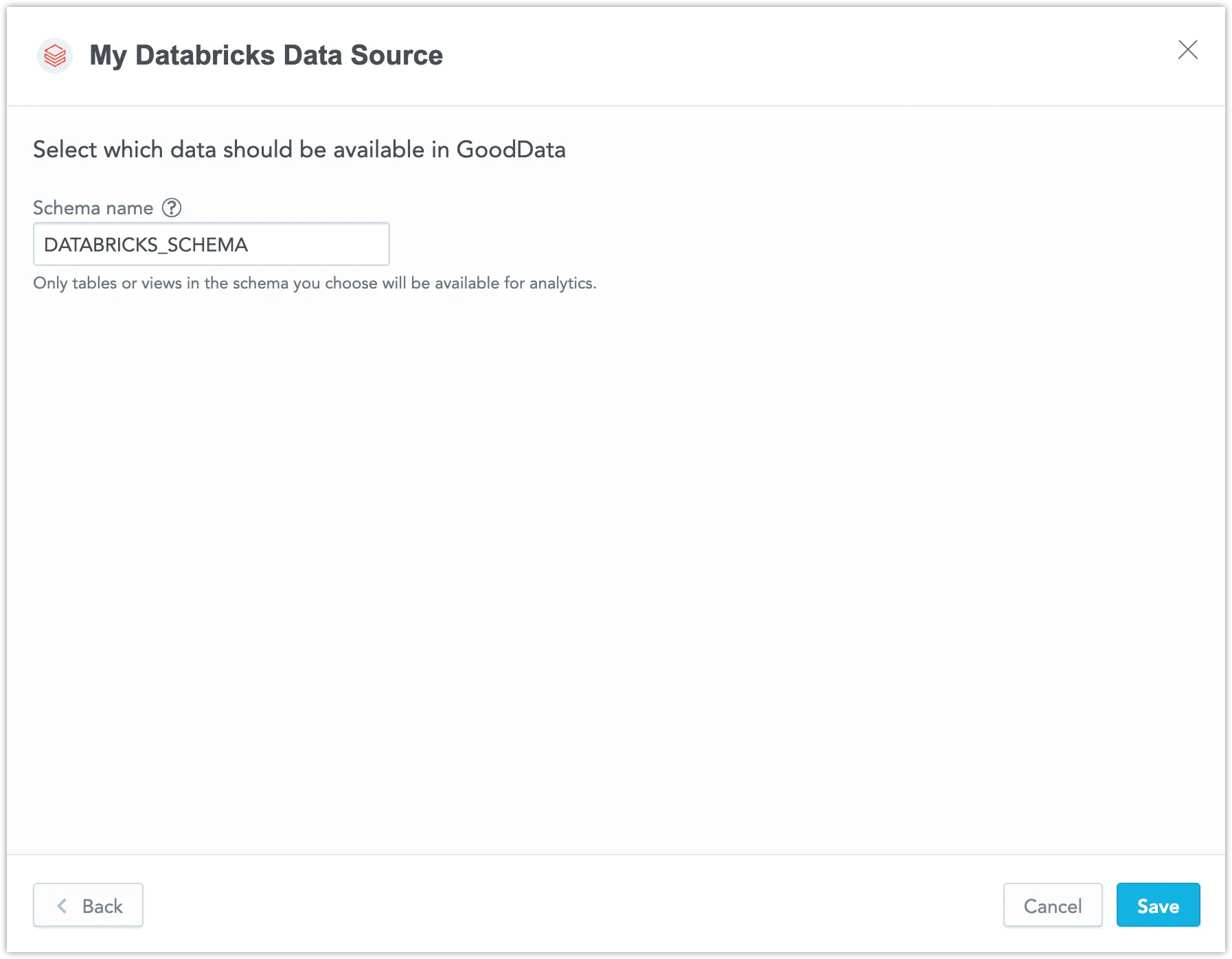
Your data source is created!

Steps:
Create a Databricks data source with the following API call:
curl $HOST_URL/api/v1/entities/dataSources \
  -H "Content-Type: application/vnd.gooddata.api+json" \
  -H "Accept: application/vnd.gooddata.api+json" \
  -H "Authorization: Bearer $API_TOKEN" \
  -X POST \
  -d '{
    "data": {
      "type": "dataSource",
      "id": "<unique_id_for_the_data_source>",
      "attributes": {
        "name": "<data_source_display_name>",
        "type": "DATABRICKS",
        "url": "<DATABRICKS_JDBC_URL>",
        "token": "<DATABRICKS_PERSONAL_ACCESS_TOKEN>",
        "username": "<DATABRICKS_USERNAME>",
        "password": "<DATABRICKS_PASSWORD>",
        "schema": "<DATABRICKS_SCHEMA>",
        "parameters": [
          { "name": "catalog",
            "value": "<DATABRICKS_CATALOG>"
          }
        ]
      }
    }
  }' | jq .
To confirm that the data source has been created, ensure the server returns the following response:
{
  "data": {
    "attributes": {
      "name": "<data_source_display_name>",
      "type": "DATABRICKS",
      "url": "<DATABRICKS_JDBC_URL>",
      "username": "<DATABRICKS_USERNAME>",
      "schema": "<DATABRICKS_SCHEMA>",
      "parameters": [
        { "name": "catalog",
          "value": "<DATABRICKS_CATALOG>"
        }
      ]
    },
    "id": "databricks-datasource",
    "type": "dataSource"
  }
}
Additional Information
Query Tagging
GoodData can attach query tags to SQL statements so you can trace database workload back to its origin in GoodData. Tags are added automatically to supported executions when query tagging is enabled.
Query tagging is supported for:
- Visualization queries
- Label elements queries (for example, loading attribute values in filters)
Query tagging is not applied to exports (PDF, XLSX, CSV), alerts, or scheduled exports.
What Gets Tagged
Tags include execution context such as:
- Organization ID
- Workspace ID
- User ID
- Execution type (visualization query vs label elements query)
- When available, identifiers of the triggering dashboard and visualization
This metadata is intended for observability and performance troubleshooting. It does not include raw data values.
Enable Query Tagging
Query tagging is controlled by the ENABLE_QUERY_TAGS setting. You can enable it at the workspace level or at the organization level. The setting value is a boolean (true or false).
Example
Enabling query tagging at the workspace level:
curl -H "Authorization: Bearer ${API_KEY}" \
  -X POST \
  -H "Content-Type: application/vnd.gooddata.api+json" \
  -H "Accept: application/vnd.gooddata.api+json" \
  -d '{
    "data": {
      "type": "workspaceSetting",
      "id": "enable_query_tags",
      "attributes": {
        "content": { "value": true },
        "type": "ENABLE_QUERY_TAGS"
      }
    }
  }' \
  "https://${HOSTNAME}/api/v1/entities/workspaces/${WORKSPACE_ID}/workspaceSettings"
Databricks Notes
Databricks supports native query tags. GoodData sets tags using SET QUERY_TAGS for the duration of the query. You can inspect these tags in Databricks query history and workspace monitoring tools.
Catalog and Schema Names
In Databricks, catalog and schema names must follow these rules:
- They can only contain ASCII letters (
a-z,A-Z), digits (0-9), and underscores (_). - They cannot start with a digit.
- If a name includes other characters (for example, a hyphen
-), the entire name must be enclosed in backticks (`).
For instance, instead of writing prod-catalog, you should write `prod-catalog` to avoid errors.
Data Source Details
GoodData uses up-to-date JDBC drivers.
The JDBC URL must be in the following format:
jdbc:databricks://<host>:<port>You can use OAuth M2M authentication or a personal access token. Basic authentication is not supported.
The following Databricks database versions are supported:
- 12.x (Apache Spark 3.3.2, Scala 2.12)
- 11.x (Apache Spark 3.3.0, Scala 2.12)
- 10.4 (Apache Spark 3.2.1, Scala 2.12)
Unsupported Features
GoodData does not support the following features:
REGR_INTERCEPTfunction (version 10.4 and 11.1)REGR_SLOPEfunction (version 10.4)REGR_R2(version 10.4)- Referential integrity for non unity catalog:
- Non unity catalog does not support referential integrity (primary and foreign keys).
- Primary and foreign keys cannot be utilized when generating a logical data model (LDM). You have to set referential integrity by yourself in LDM Modeler.
Performance Tips
If your database holds a large amount of data, consider the following practices:
Denormalize the relational data model of your database. This helps avoid large JOIN operations. Because Databricks is a columnar database, queries read only the required columns and each column is compressed separately.
Index the columns that are most frequently used for JOIN and aggregation operations. Those columns may be mapped to attributes, labels, primary and foreign keys.
Supported URL Parameters
- transportMode
- ssl
- AuthMech
- httpPath
- UID